How to Fix Overcrowded ChatGPT Images: Prompts to Lower Detail Density
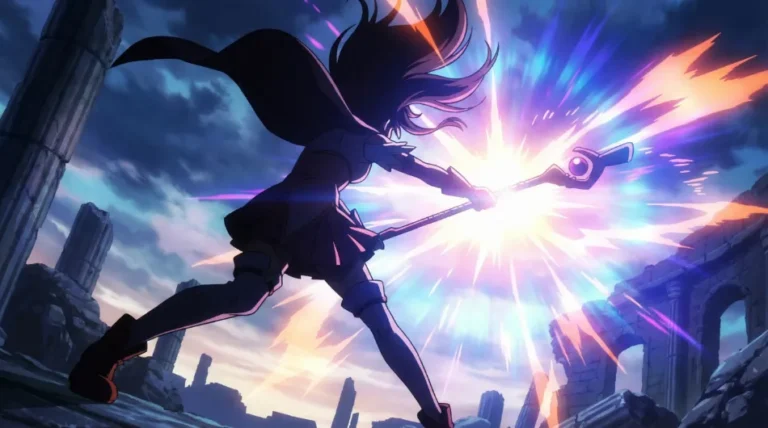
Have you ever felt that your illustrations look a bit “stifling” or overwhelming when creating AI art with ChatGPT? Like every single strand of hair is meticulously detailed, clothes have an unnatural amount of folds, or the background is packed with meaningless decorations that make your eyes tired just looking at it?
Let’s get straight to the point. If your AI-generated images feel suffocatingly cluttered, the issue isn’t the quality—it’s the density. You need to reduce the number of lines and elements making up the piece.
In my experience, the most effective prompts to solve this are fewer strokes, simple brushwork, and low detail density.
1. Why Does AI Always Overcomplicate Drawings?
The reason is simple: AI often equates “good drawing” with “massive amounts of visual information.” When you add words like high quality, detailed, masterpiece, or intricate to your prompt, the AI panics and tries to cram in every piece of detail it possibly can. While high detail sounds like a good thing, the problem is that it is rarely the *right* kind of detail.
In character illustration specifically, when hair strands or outfit patterns become overly intricate, or when the background gets too busy, the main character’s silhouette loses its impact.
That is why, when you want to generate a clean, captivating character-centric illustration, you shouldn’t tell the AI to “draw better!” Instead, you have to tell it, “Please, draw a little less!”
2. Core Prompts: Lowering the Stroke Count
Here are the most intuitive and effective prompts I’ve discovered for cleaning up overcrowded line work:
- drawn with fewer strokes
- simple brushwork
- low detail density
- clean shapes
Prompt Modification Example
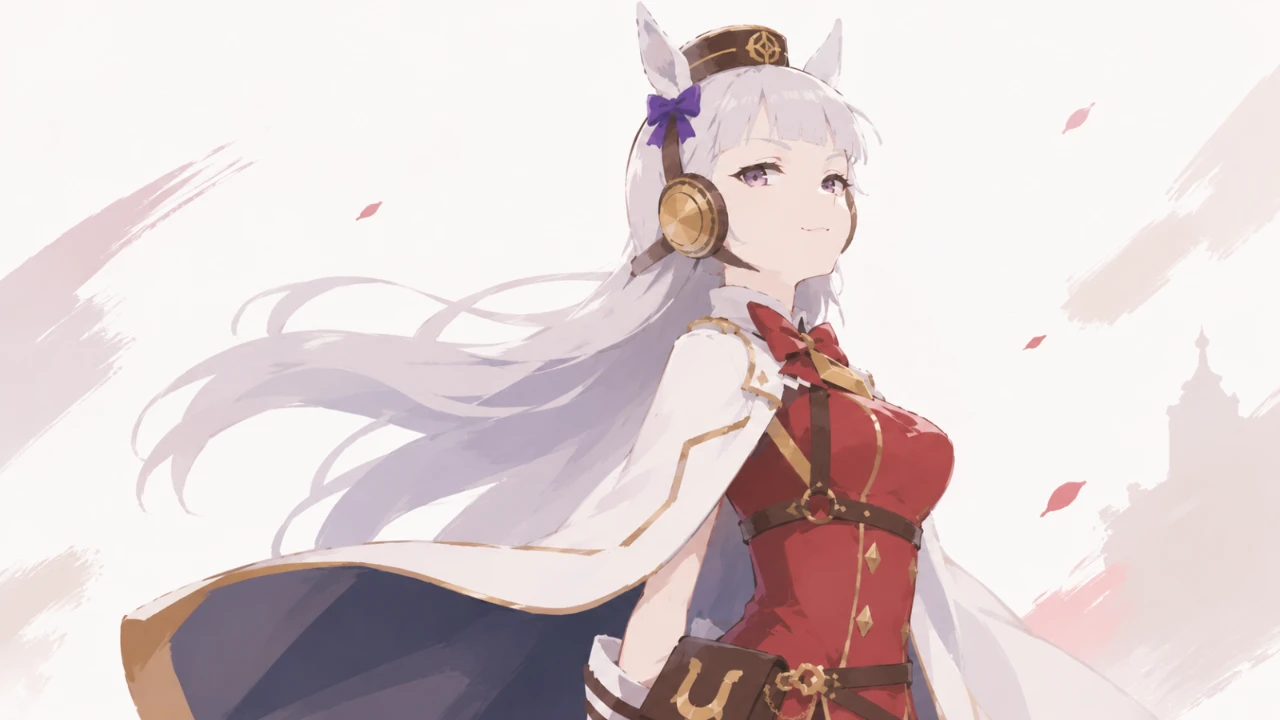
- Standard High-Density Prompt: anime girl, fantasy outfit, detailed hair, beautiful lighting, highly detailed background (This heavily increases the chances of an overcrowded, suffocating image.)
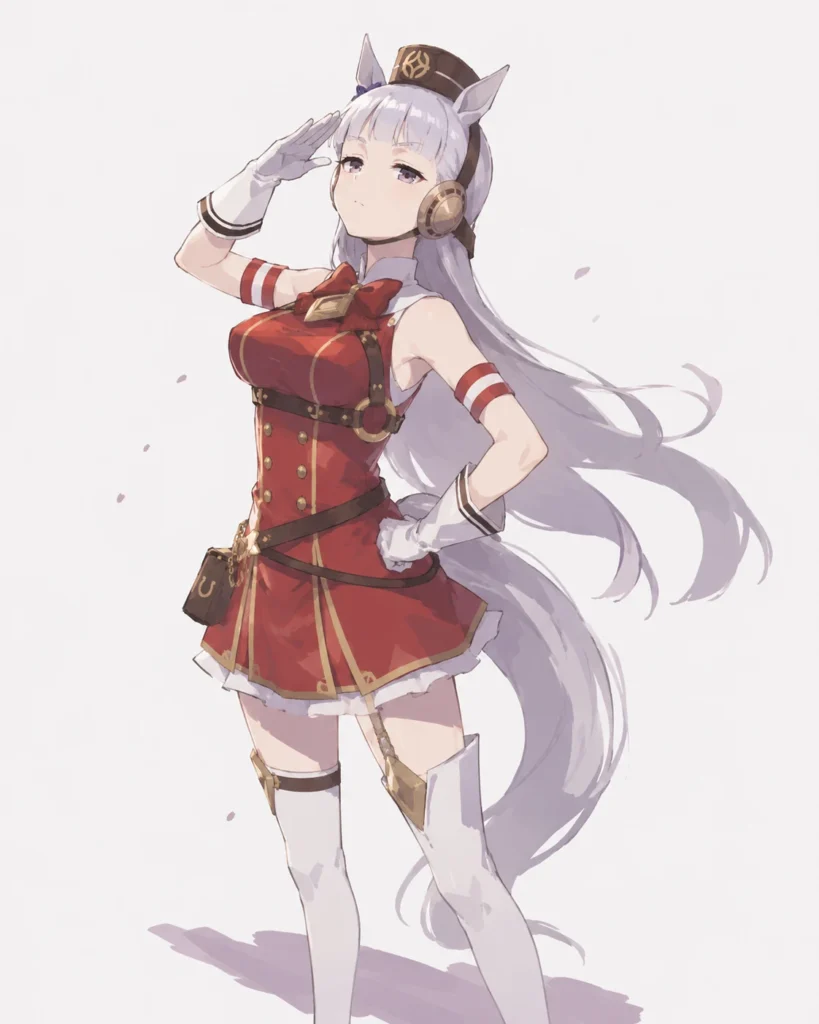
- Breathable, Modified Prompt: anime girl, fantasy outfit, drawn with fewer strokes, simple brushwork, low detail density, clean silhouette, minimal background detail
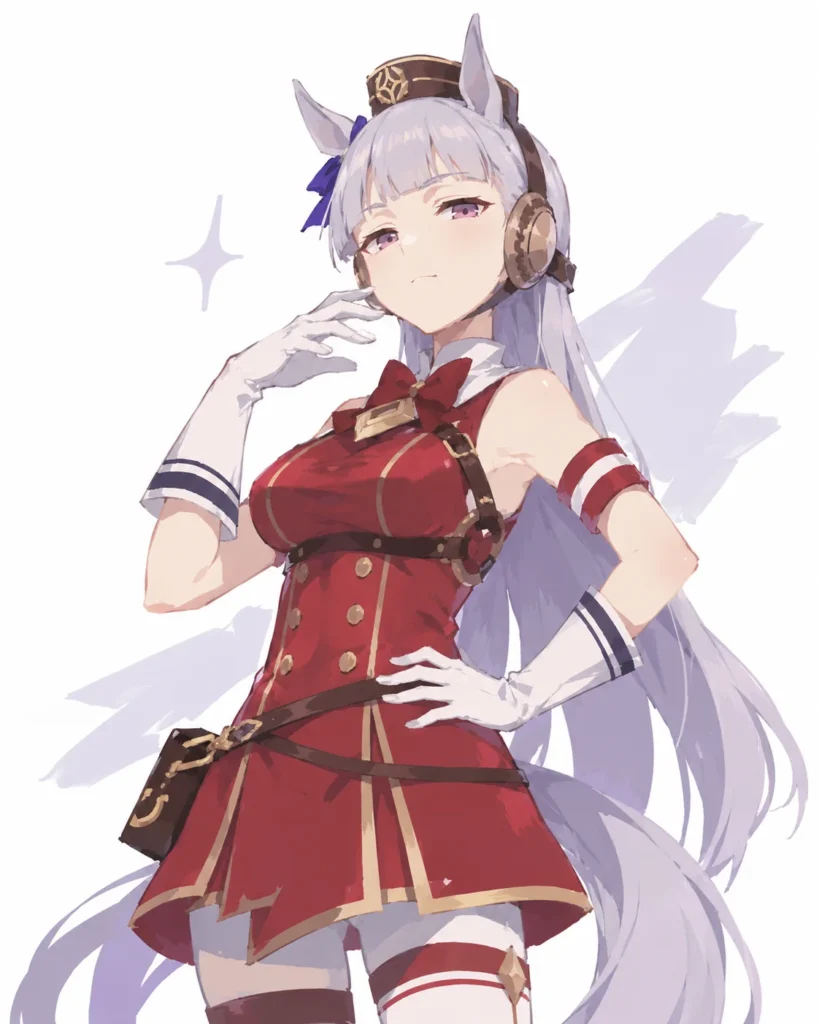
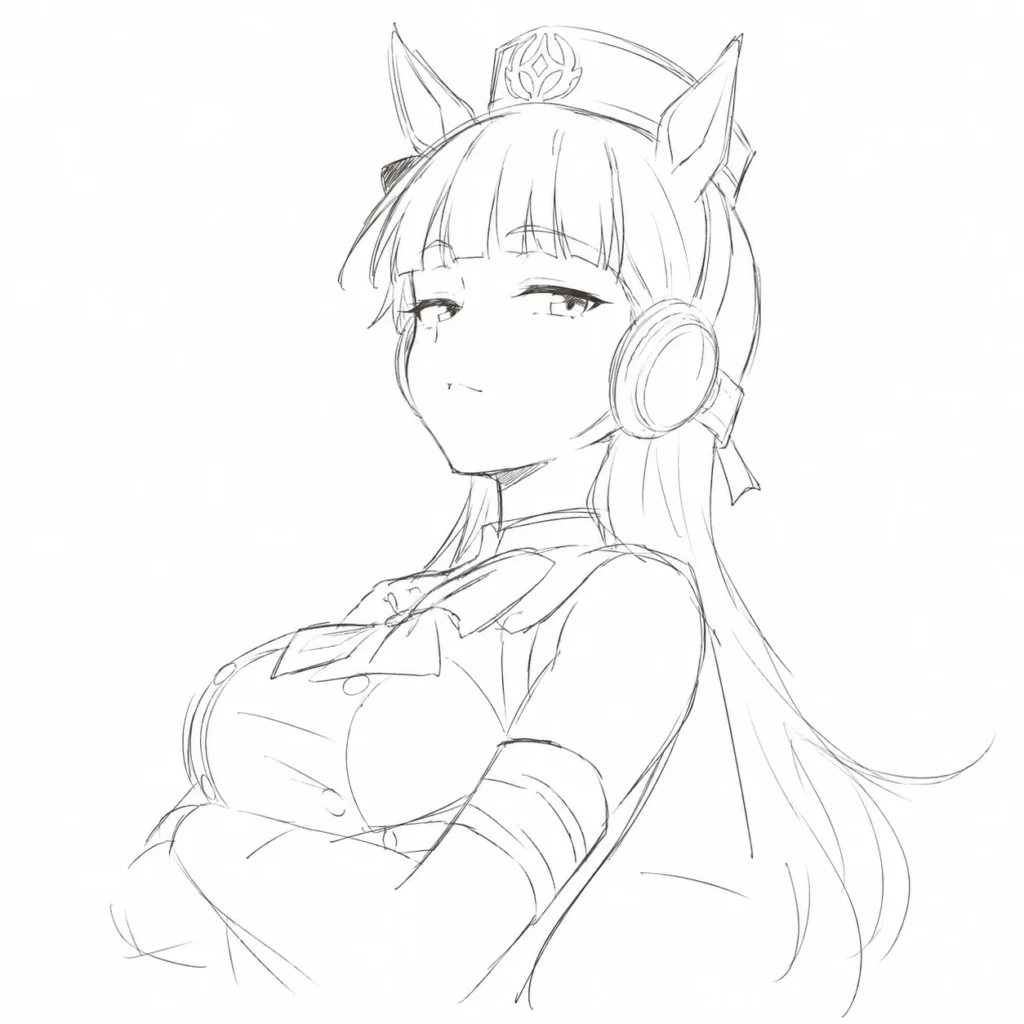
drawn with fewer strokes, simple brushwork, low detail density, clean silhouette, minimal background detail, Umamusume Gold Ship3. What About Rough Sketch Styles?
You can also control detail density when generating rough sketches or line drawings. Try combining the following tags:
- rough sketch, fewer strokes, simple linework, minimal hatching, clean negative space
4. Ready-to-Use Prompts (Copy & Paste)
Here are copy-pasteable formulas you can test immediately. ※ Note: Remember to swap out the (Character:…) part at the very end with your desired subject!
- For Clean Character Illustrations
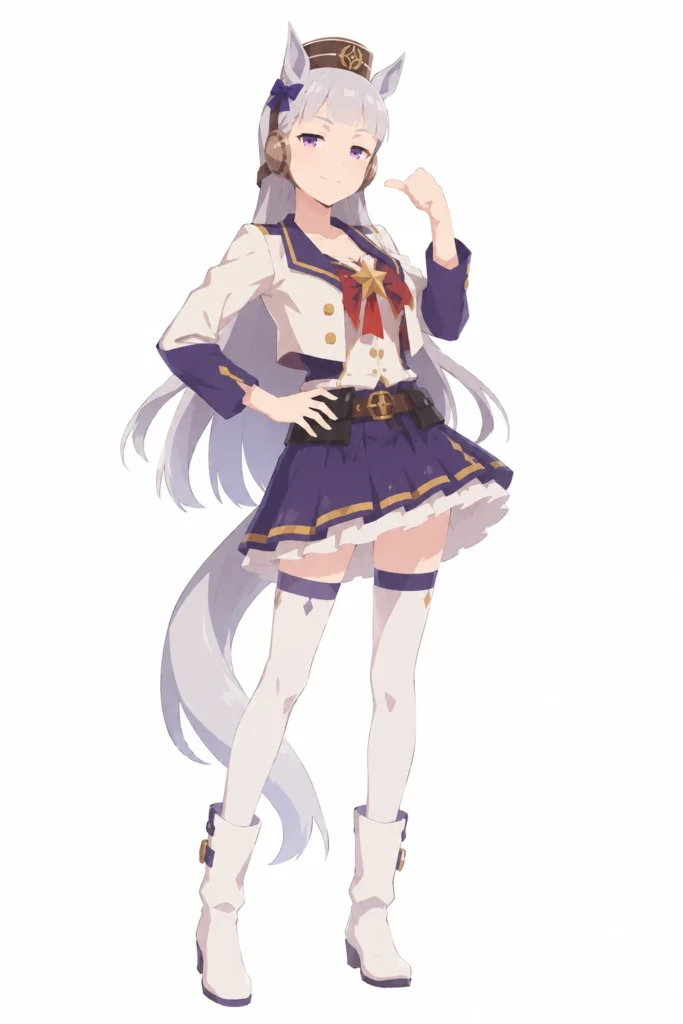
character illustration, drawn with fewer strokes, simple brushwork, low detail density, clean silhouette, minimal clothing folds, simplified hair shapes, calm composition, plain background, (Character:Umamusume Gold Ship)- For Clean Rough Sketch Styles
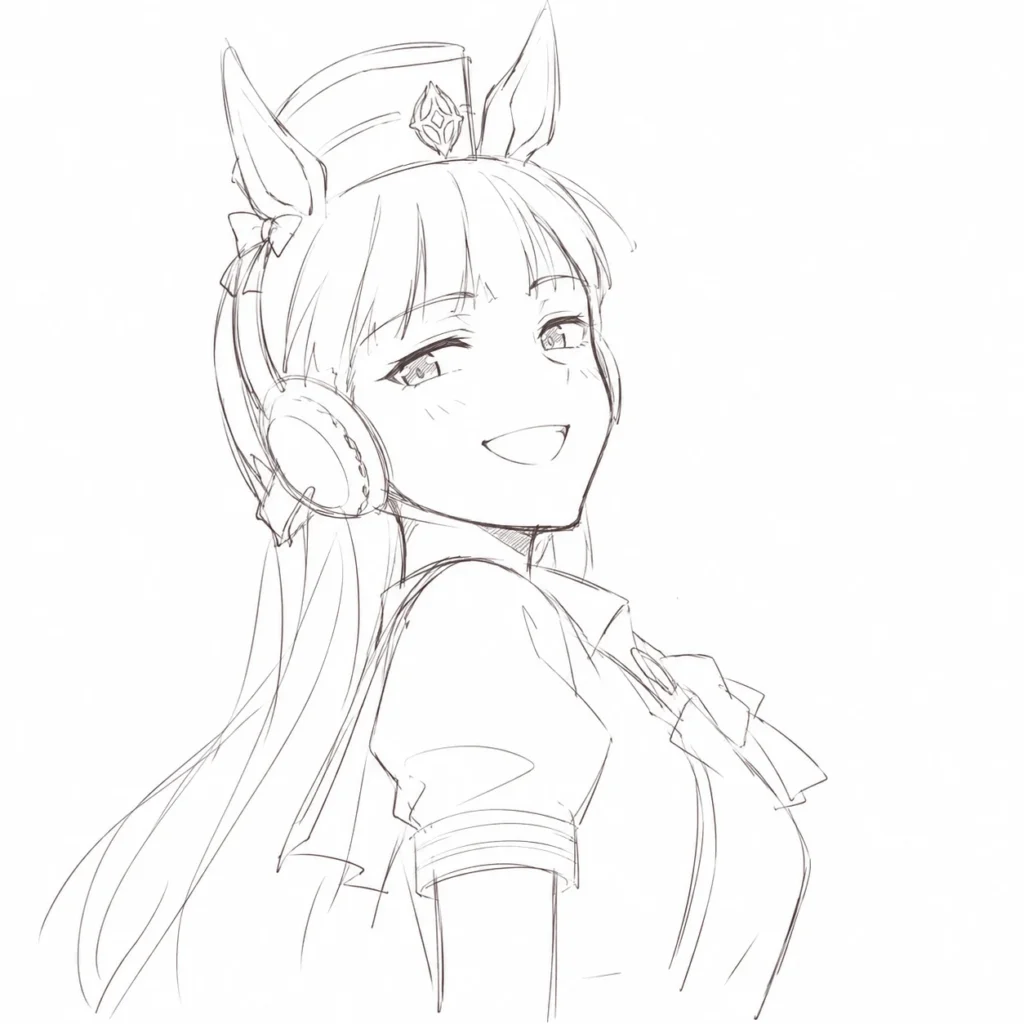
rough sketch style, drawn with fewer strokes, simple linework, minimal hatching, low detail density, clean negative space, unfinished but readable, (Character:Umamusume Gold Ship)5. Before / After Testing Tips
If you want to run a quick A/B test, generate an image of the same character while swapping your stylistic tags using this quick cheat sheet:
- The “Before” Tags (High Density): highly detailed, intricate costume, detailed hair strands, complex background, rich textures
- The “After” Tags (Low Density): drawn with fewer strokes, simple brushwork, low detail density, clean silhouette, simplified costume, minimal background detail
Summary
- If your AI images feel cramped or over-rendered, drop the quality-bloat keywords and lower the stroke density instead.
- Prompts like “fewer strokes” and “low detail density” offer the most reliable and immediate results.
- When dealing with an AI model that tends to overdraw, the magic happens when you master the art of subtraction.
FAQ
Why do my ChatGPT images look so cluttered and exhausting?
The main reason AI images look cluttered is due to over-rendering and extreme detail density. When everything from hair strands to clothing folds is hyper-detailed, the entire canvas loses visual hierarchy, and the main silhouette gets lost.
What are the best prompts to reduce image density in DALL-E / ChatGPT?
Modifiers like ‘drawn with fewer strokes’, ‘simple brushwork’, ‘low detail density’, and ‘clean silhouette’ work exceptionally well. The secret is telling the AI to focus on essential lines rather than packing in textures.
Why does the ‘rough sketch’ prompt sometimes look so messy, and how do I fix it?
Using ‘rough sketch’ alone often prompts the AI to simulate chaotic sketch lines and excessive cross-hatching to look ‘authentic.’ Pairing it with ‘fewer strokes’ and ‘minimal hatching’ reins it in, keeping the sketch clean and readable.