How to Photorealize Game and Anime Characters: Prompt Structuring Guide

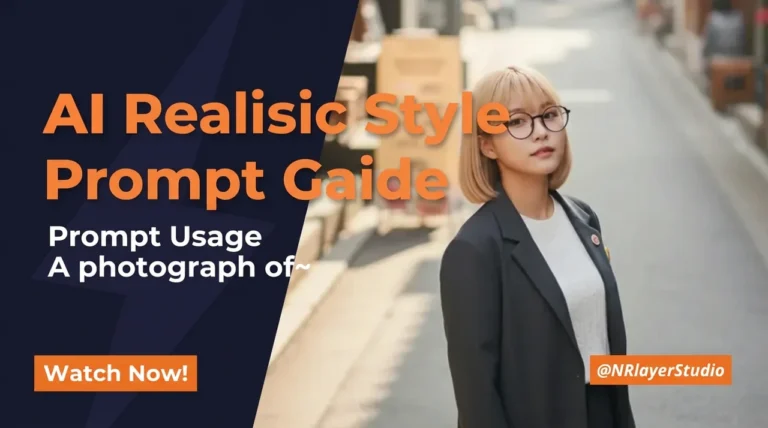
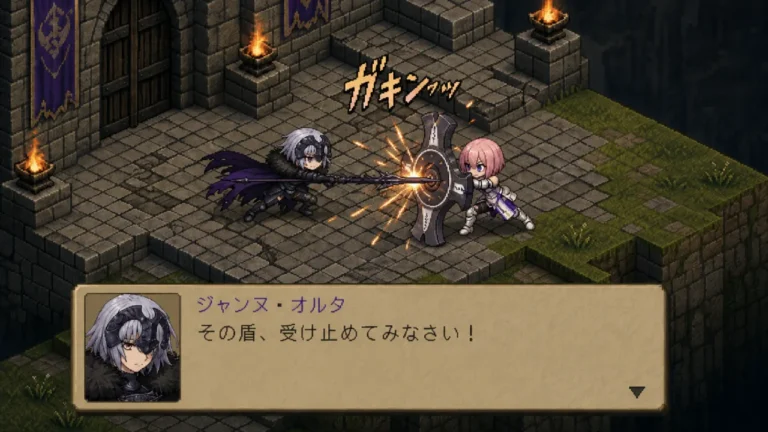
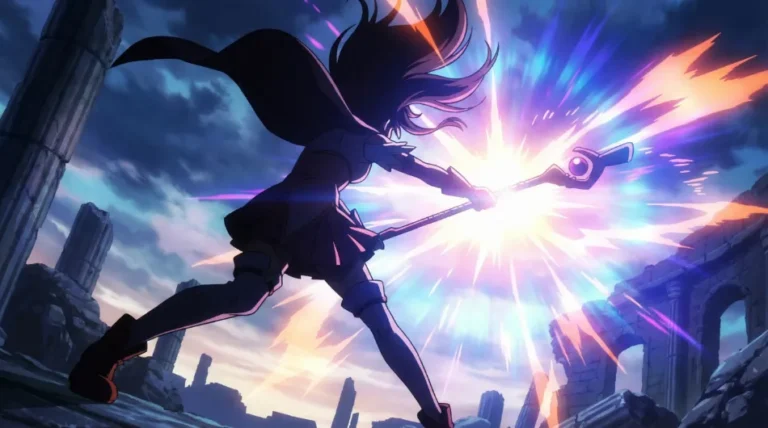
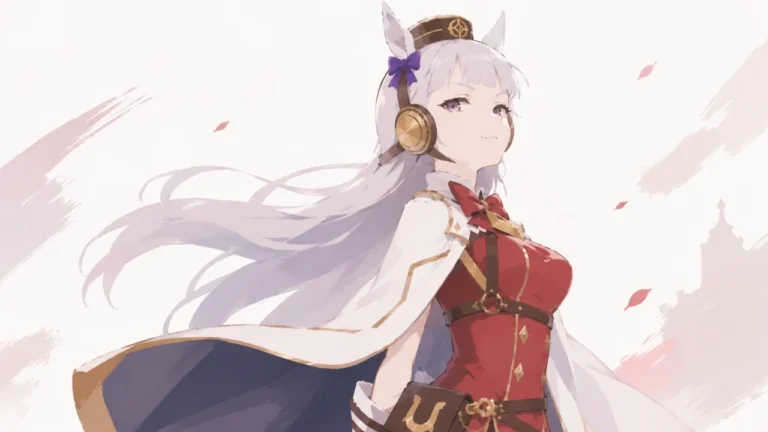
Following our previous Comprehensive Guide to AI Photorealistic Prompts, this post introduces how to convert 2D character images into natural, photorealistic photos.


Prompt Used
A photograph of a Korean woman closely resembling the attached original character.

Features: natural facial features, realistic skin texture, modern hairstyle.

Outfit: modern and fashionable everyday streetwear, adapted from the original design.
1. Why “A photograph of ~”?
In the previous post, I recommended starting prompts with A photograph of~ when generating photorealistic images. However, you can also use prompts like the following:
- A photograph of ~: A single photo of ~
- photo style
- photorealistic
To give you the conclusion first, all three are good prompts. Since results can vary depending on the model you use or personal preference, the surest way is to test them yourself and compare the results.
It is easy to understand if you think of a prompt as a tool for directing the image generation process.
2. Two Core Principles of Realistic Prompts
Principle 1: Use Positive Phrasing (Don’t make me think of an elephant)
“From now on, do not think of a blue elephant.”
Eventually, a blue elephant comes to mind. AI works the same way.
For example, if you input without a leather blue jacket, the AI recalls numerous elements associated with a “leather jacket,” such as “gloss” and “zippers,” from millions of image data points, and then attempts to remove them. In this process, textures or gloss might remain in odd places, or it might simply ignore the without prompt and dress the subject in a stylish blue leather jacket.
Therefore, there is no need to use negative sentences; simply clearly state the elements you want using positive prompts.
Principle 2: Expand from the Base (Modular Assembly)
Sentence-style prompts are simple, but when you need to make many edits, a structured approach is much more convenient.
If you first create a base and then append prompts like [Scene], [Mood], and [Background] on top of it, readability improves, and editing and recycling become easier.
Example of a Full-Sentence Prompt
A photograph of a Korean woman in modern streetwear, standing in Han River Park, candid snapshot style with natural posture.It is simple because you can write it in natural language, but as the prompt gets longer, editing becomes cumbersome. This is especially true if you are not accustomed to English; even a slightly longer prompt can cause issues.
- Want to change just the background to Myeongdong street? You have to find Han River Park in the long sentence and replace it with Myeongdong street.
- Want to change the style to a dramatic portrait? Similarly, you have to find and edit the candid snapshot part.
The full-sentence method is suitable for short and simple prompts, but as the structure becomes more complex, a modular structure is much more efficient.
3. 2D Character to Realism: Prompt Template
Here is a ‘Base Prompt’ that applies the two principles above, which you can copy and use.

Example of consistent style realization
EN Prompt Example
A photograph of a Korean woman closely resembling the attached original character.

Features: natural facial features, realistic skin texture, modern hairstyle.

Outfit: modern and fashionable everyday streetwear, adapted from the original design.

Style: candid snapshot, natural posture.

Location: Han River Park in Seoul, with a realistic background atmosphere.
Prompt Breakdown
// Who and how?
A photograph of a [Korean woman] closely resembling the attached original character.

// Appearance and Outfit?
Features: natural facial features, realistic skin texture, modern hairstyle.

Outfit: modern and fashionable everyday streetwear, adapted from the original design.

// Style and Location?
Style: candid snapshot, natural posture.

Location: Han River Park in Seoul, with a realistic background atmosphere.
Tip: Change [Korean man/woman] according to your preference.
Key Summary FAQ
In the next post, we will cover the candid snapshot style, which adds natural movement and emotion to this base prompt.