Logitech Lift Vertical Mouse: 2-Week Review, Relief for Your Wrist
Hello, this is NRLayer.
Following my previous review of the ‘Logitech Wave Keys’, today I want to talk about the ‘Lift Vertical Mouse’. As I felt my wrists becoming more comfortable while using the Wave Keys keyboard, my attention naturally turned to mice as well. So, I started using the two products together. In this post, I will summarize my thoughts on the Lift mouse based on my two weeks of direct experience.
1. What is the Logitech Lift?
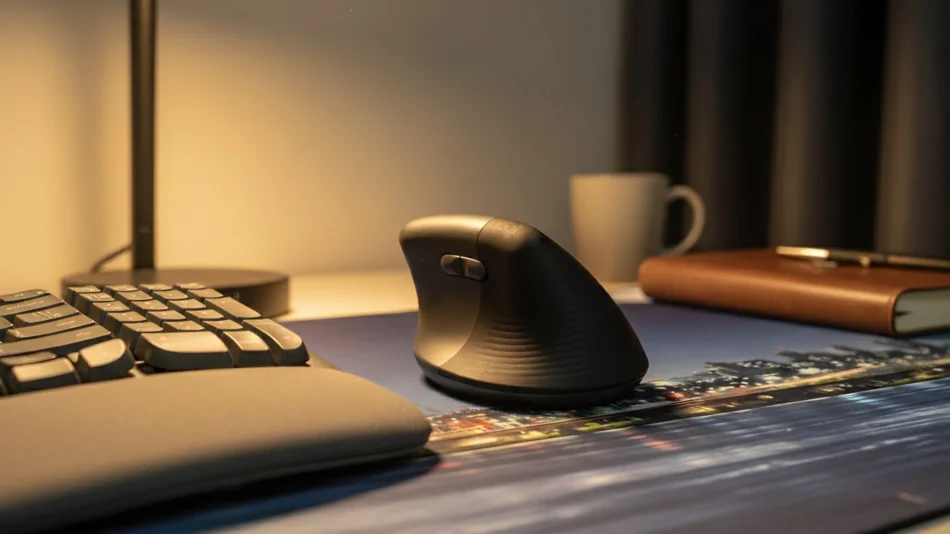
The Logitech Lift mouse is an ergonomic mouse designed with a vertical structure to prevent the wrist from bending horizontally. You can hold it in an upright position, as if shaking hands, which significantly reduces wrist strain.
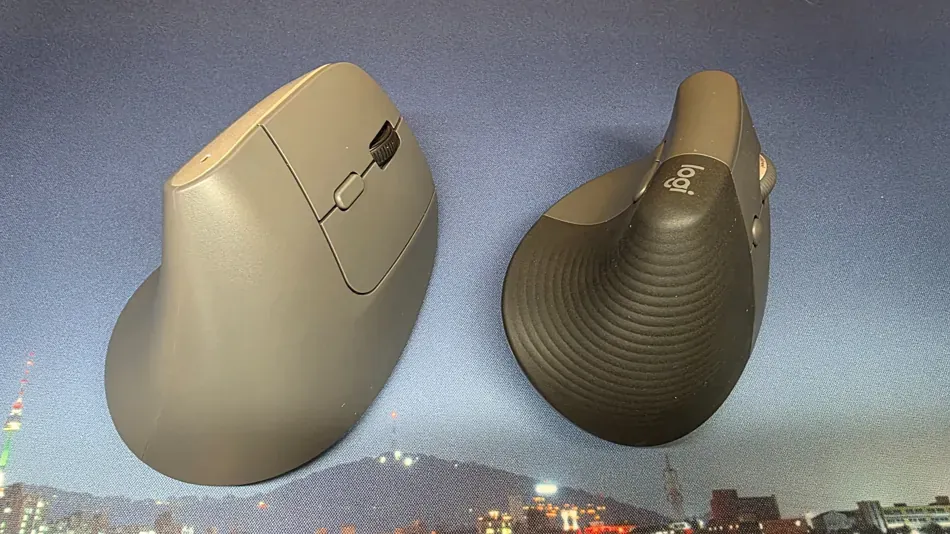
Looking at the LIFT mouse more specifically, the first thing that stands out is its size. It is designed to be smaller than Logitech’s popular model, the MX Vertical mouse. Thanks to this, people with small hands can use it comfortably without straining their wrists. In fact, looking at YouTube reviews, I found many testimonials from female users saying they are using it comfortably.
2. Design and Grip
When you first hold the LIFT mouse, your palm naturally wraps around its soft curves, and your thumb rests comfortably in the side groove. Thanks to this, your wrist doesn’t bend and stays upright at a natural angle, like a handshake. Unless you have very large hands, I got the impression that it is a size that fits most users perfectly.
I chose the graphite model to give a sense of unity with my Wave Keys keyboard, and when placed together, they match so well it looks like they were a set from the beginning.

3. Features and Connectivity
The connection method is also quite flexible, just like the Wave Keys. It supports both wireless connection via the Logi Bolt receiver and Bluetooth. You can register up to 3 devices and easily switch between them by pressing the Easy-Switch button on the bottom of the mouse.
The button configuration of the mouse is also tailored for ease of use. In addition to the basic left/right clicks and wheel, it has a total of 6 buttons, including forward/back buttons useful for web surfing and a DPI adjustment button.
One of the biggest advantages of the LIFT mouse is its ‘Silent’ design. Thanks to this, there is almost no clicking sound, so you can use it comfortably in quiet spaces like cafes without being self-conscious about the noise.
However, there is one thing to note. Unlike the other buttons, the forward/back buttons pressed with the thumb have a slightly louder click sound. It’s not a problem at all in general spaces, but I thought it might be slightly distracting in extremely quiet places like libraries.
The power method is also the same as the Wave Keys. It uses a single AA battery and can last up to 2 years. The fact that it’s not rechargeable might feel disappointing, but considering the battery replacement cycle is effectively very long, it can actually be seen as easier to manage.
4. SmartWheel and Logi Options+ Features
The LIFT features the SmartWheel function. Originally a core feature of Logitech’s premium MX Master series, it has also been applied to the LIFT.
When you turn the scroll wheel slowly, it clicks line-by-line like a normal mouse, but if you flick it quickly, it automatically switches to high-speed scroll mode. This is particularly useful when viewing long web pages or documents, and once you get used to it, it’s a feature so convenient that it’s hard to go back to a regular mouse.
5. Synergy with Wave Keys: How is the combination?
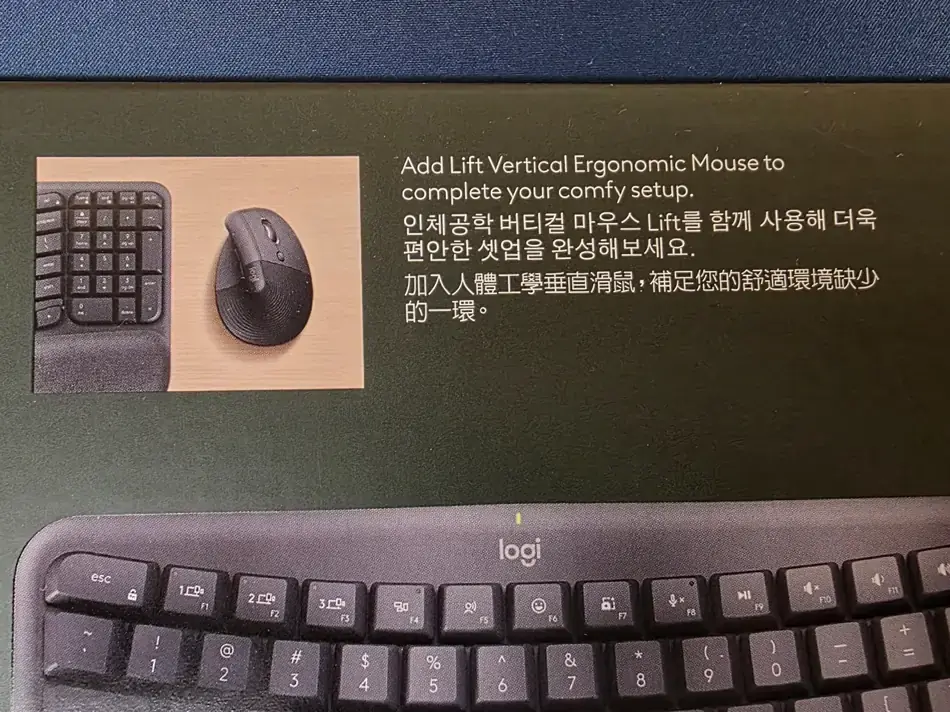
Using the Logitech Lift with the Wave Keys keyboard can significantly reduce wrist strain. When I placed the two products side by side and rested my hands on them, the height of my wrist holding the LIFT mouse and the height of the Wave Keys palm rest naturally formed a horizontal line.
Thanks to this, there is almost no change in wrist height when moving between the keyboard and mouse. It wasn’t recommended as a ‘set’ for no reason.
6. What I Liked After Using It Myself
Honestly, when I first held the LIFT mouse, the vertical structure felt a bit awkward. However, after using it consistently for about half a day, my hand adapted completely.
The most noticeable change was, of course, the comfort of my wrist. Since I didn’t have to twist my wrist, I felt almost no stiffness or pain even after long hours of work. Plus, the fact that I could use it without worrying about noise thanks to the quiet clicks was the most critical part of a satisfying Deskterior.