When AI Fantasy Art Looks Flat: How to Boost Action with Camera Angle Distortion

Flashy armor, cool swords, pretty faces. You put every description into the prompt, but how is the result? While NanoBanana picks up details well, the dynamism of an illustration isn’t solved by just a few words.
Applying the ‘camera angle’ theory introduced today changes flat images into action scenes that look like they’re about to burst through the monitor. I’m also sharing immediate-use prompts organized after dozens of failures.
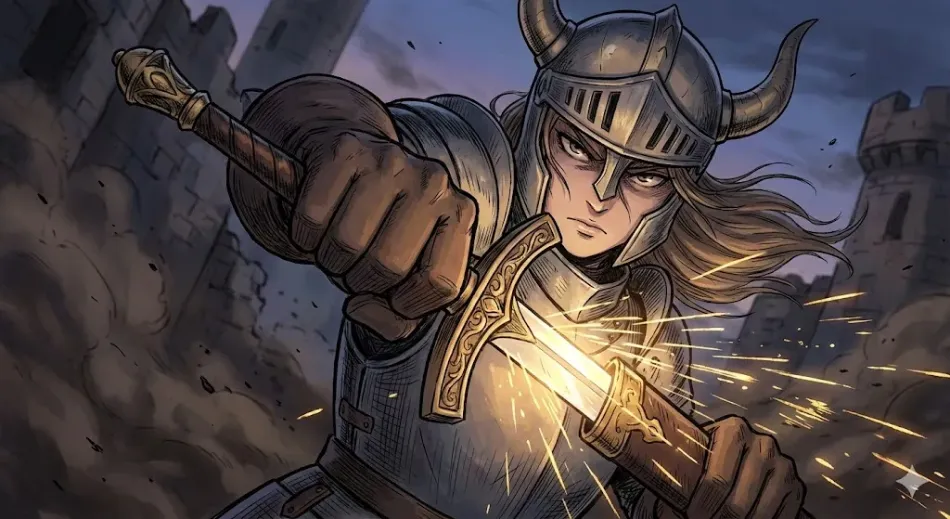
An anime style illustration of a female knight drawing a sword, sparks flying, extreme foreshortening, dutch angle, focus on eyes and sword hiltWhy AI Fantasy Art Looks Stiff Like a Figure (The Problem)
The problem is simple. We described the scene but didn’t direct it. What we want isn’t a ‘photo of a model posing to draw a sword,’ but the ‘urgent moment right before the slash.’ To do this, we must intentionally twist flat visual information.
A beautiful female knight, silver heavy armor, blonde long hair, blue eyes, determination expression, drawing sword from waist, battle stance, dynamic pose, masterpiece, best quality, anime style, highly detailed, motion lines, sparks, depth of field, motion blur
Impact Comes from ‘Exaggeration’ and ‘Instability’
In illustrations, impact comes from exaggeration. Instead of honest proportions like a photo, we need Foreshortening, where the sword or hand is placed close to the camera and magnified extremely. Adding a Dutch Angle, tilting the screen obliquely, creates instability and a sense of speed in static images.
- Foreshortening: Pull the sword or hand right up to the camera lens to magnify it extremely. The more exaggerated the distance, the more alive the spatial sense becomes.
- Dutch Angle: Deliberately tilt the screen. When the horizon collapses, that instability is read directly as the speed of the action.
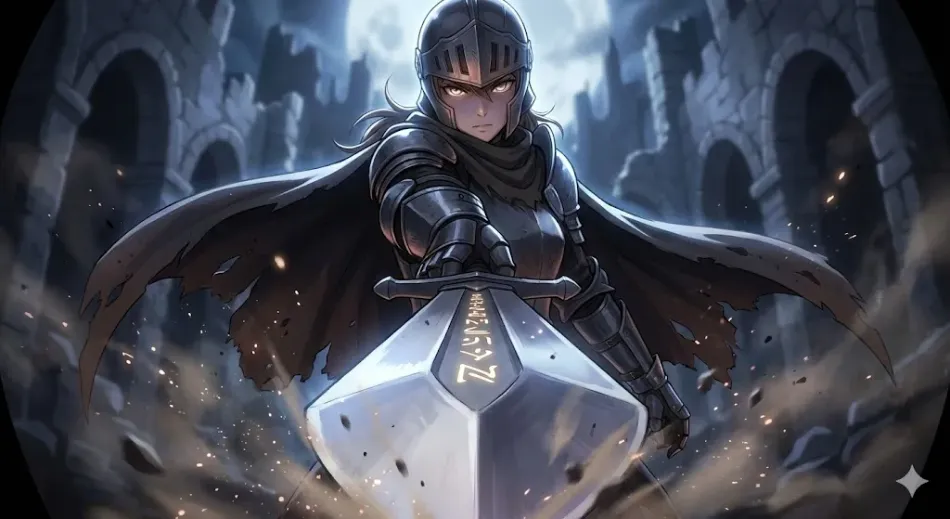
from below, looking down, dramatic lighting --ar 2:3Copy-Paste Sword Drawing Prompts
That’s it for the theory. Copy the prompt templates below and just change the [Subject] part to your character. If it doesn’t work well, leave the character settings as they are and try changing only the Angle/Shot a few times; you will feel the difference immediately.
Standard Impact (Low Angle + Distortion)
The composition with the least failure and good intimidation.
Style: anime key visual, Subject: Female knight thrusting a sword towards the camera
Composition: Extreme foreshortening perspective
Angle: Fisheye lens effect, sword tip is very large, face is smaller, from below
Action: Thrusting stance, aggressive posture
Atmosphere: Dark castle ruins, rim lighting, dramatic shadows
Direction: Distort the perspective to make the sword look massive and threatening. Create a sense of impending impact as if the blade is breaking through the screen.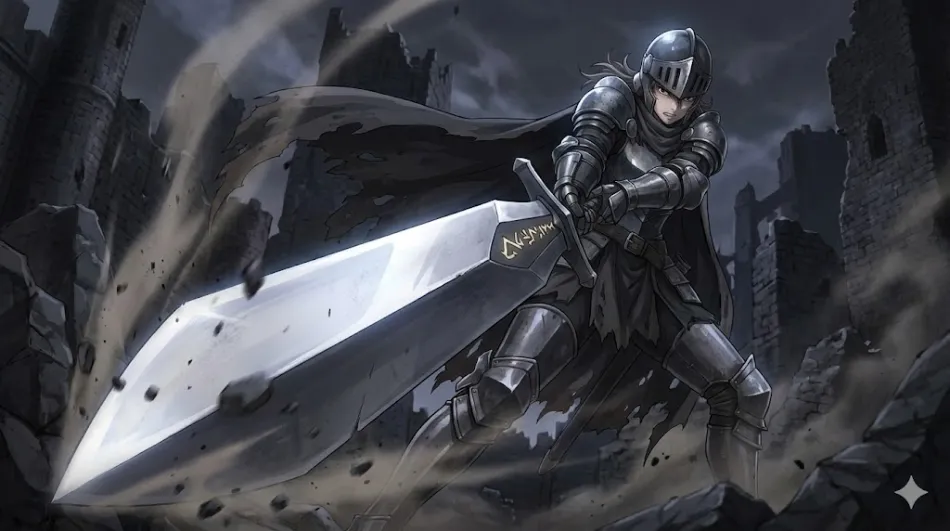
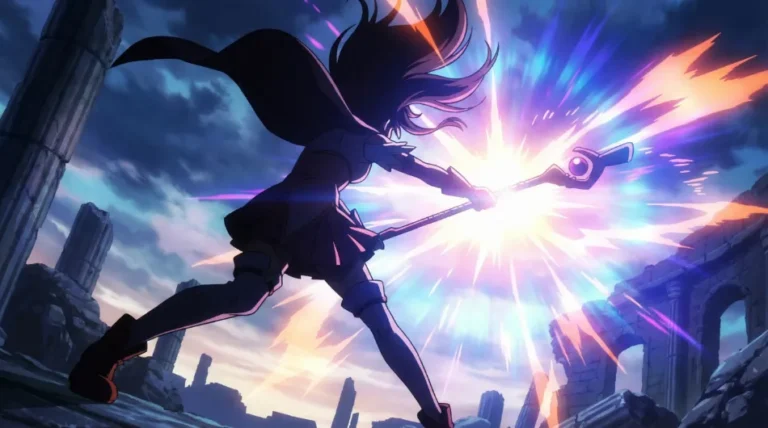
Emphasizing Speed (Wide Angle Perspective Distortion)
Used to create a three-dimensional effect where the sword tip seems to pop out.
fisheye lens, extreme foreshortening, sword close to camera --ar 16:9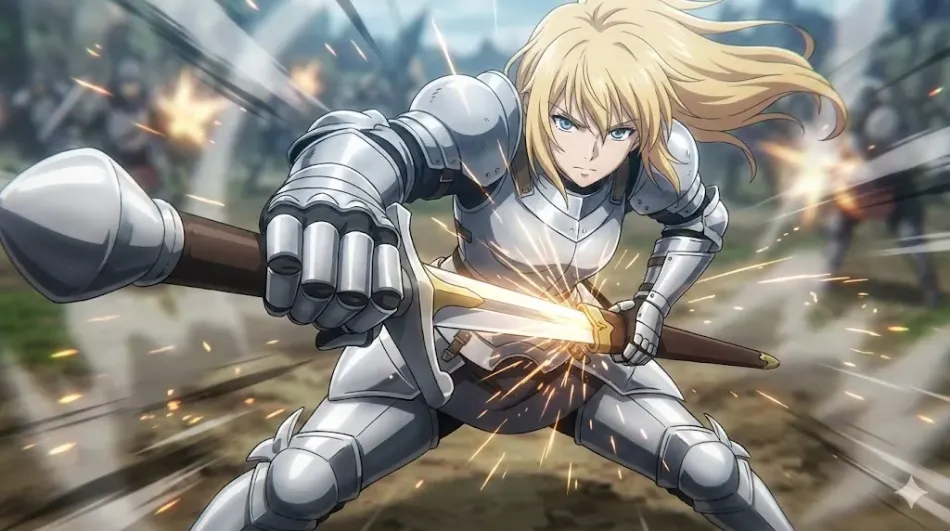
[Base Character] silver long hair, blue eyes, white plate armor with gold trim, red cape, beautiful female knight
Subject:[Base Character], hair blowing violently
Composition: Rule of thirds, motion lead room
Angle / Shot: Tracking shot, panning side view
Action: Sprinting at high speed, sword trail visible
Location / Atmosphere: Forest path, streaming speed lines
Style / Render: anime key visual, Motion blur
Focus rule: Sharp face, blurred background
Direction: Emphasize extreme speed. Blur the background and the edges of the armor to show movement. The character represents a streak of light.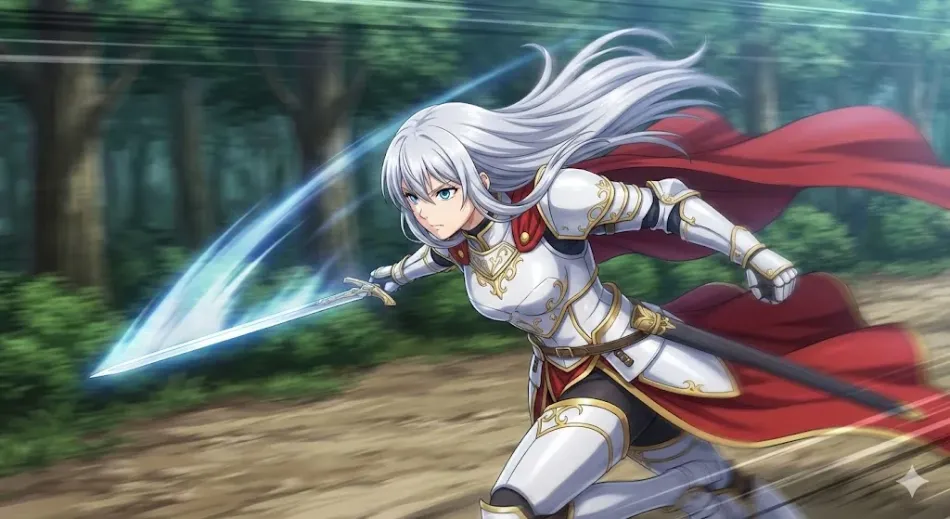
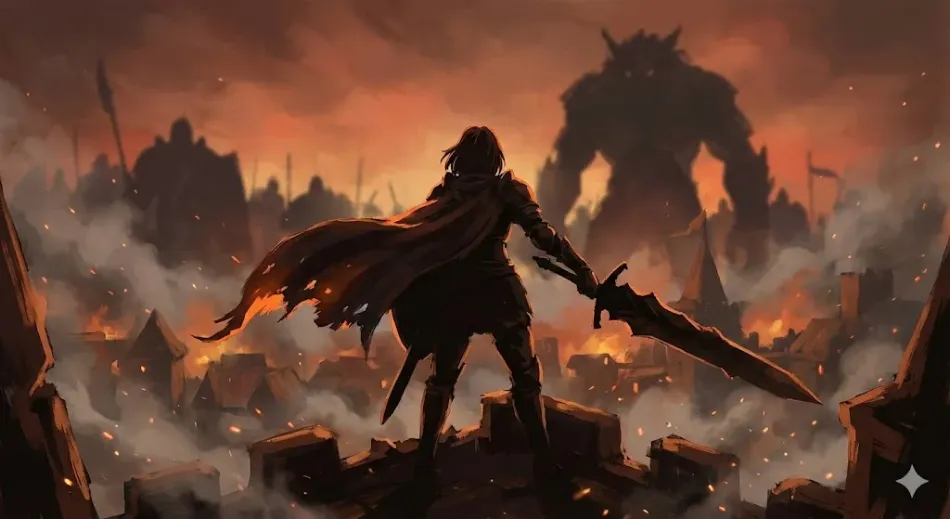
Rear Composition (Back View)
Emphasizes the tragic beauty of staring down an enemy from behind.
Subject: Female knight commander, heavy cape billowing
Composition: Triangular composition (stability and power)
Angle / Shot: From behind, looking out at a massive enemy (scale contrast)
Action: Unsheathing a giant claymore from the back
Location / Atmosphere: Burning city, volumetric smoke, embers
Style / Render: anime key visual,, thick painting style
Focus rule: Silhouette against the fire
Direction: Create a sense of overwhelming scale and anticipation. Contrast the small silhouette of the knight against a massive, looming threat. Use backlighting to create a dramatic silhouette.