ChatGPT vs. Claude vs. Gemini: Which AI Should You Pay For First?

Thinking about paying for an AI subscription? A monthly bill adds up, so it’s worth finding out which tool you’ll actually open again next week.
It’s tempting to start with rankings. In everyday use, though, a clear interface and an answer you can put to work matter more. Start with something you already do and see which tool makes it easier.
1. Check the monthly price
In the US, the main consumer tiers from all three providers sit right around $20 a month:
| Service | Plan | US Price |
| Claude | Pro | $20/month ($200/year) |
| Gemini | Google AI Pro | $19.99/month ($199.99/year, includes 5 TB storage) |
| ChatGPT | Plus | $20/month (billed monthly) |
2. Try these five tasks for free before you subscribe
Give each service the same task in plain language. Look at how much effort it takes to get a result you’d actually use.
- Make an image. Describe an illustration for a blog post or presentation.
- Practice a language. Turn a passage you’re reading into flashcards or a short quiz.
- Fix a spreadsheet. Ask it to tidy a sample sheet or explain a formula.
- Build a small webpage. Try a simple timer or calculator you can open in your browser.
- Summarize a long PDF. Ask for the main points and the pages where they appear.
3. Use three questions to narrow your choice
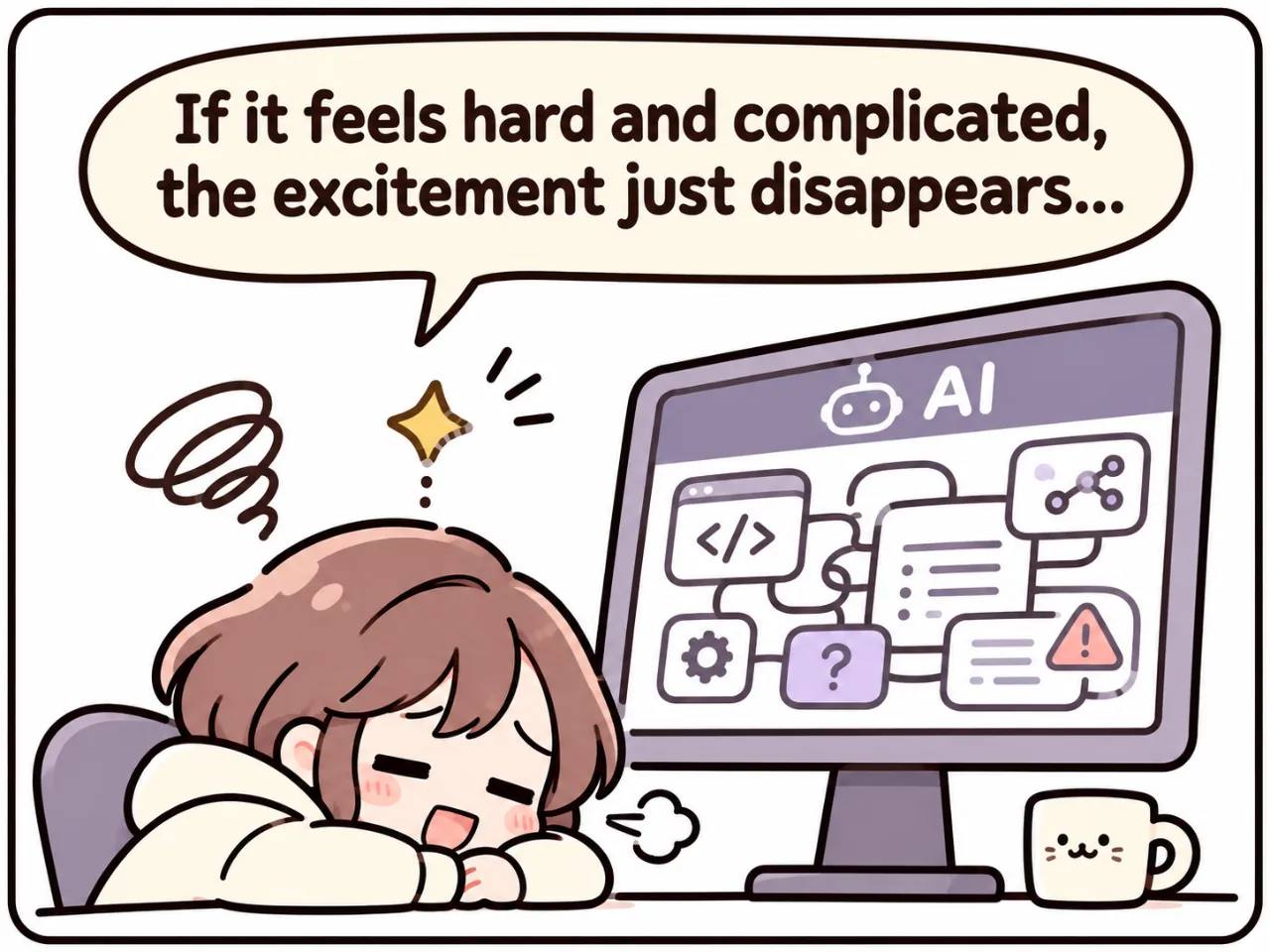
- Can you start a task without hunting through menus?
- Can you do the writing, image work, or coding you need in one place?
- Does it fit with the email, documents, and other tools you already use?
For a first subscription, ChatGPT Plus is a practical starting point for a mix of tasks. Google AI Pro makes more sense if most of your work is already in Google apps. If writing or web work takes up most of your time, try Claude on one of your own projects before you choose.
4. Who is each AI best for?
Claude for writing and web projects
If you spend much of your time drafting, editing, or building small web projects, try Claude on a real assignment. Artifacts lets you view and revise a document or webpage beside the chat, and users often praise how natural its writing sounds when following a style guide. Keep in mind that Claude doesn’t include built-in image generation, and heavy document or coding sessions can hit its five-hour and weekly usage caps.
Gemini for people who work in Google apps
If you already spend the day in Gmail, Google Drive, and Google Docs, Gemini fits naturally into that routine. NotebookLM is also worth trying when you have several sources to read and organize. With 5 TB of Google storage bundled into Google AI Pro, check whether the bundle replaces what you already pay for. On the flip side, replies can feel wordy, and heavy use may bump you down to lighter models once you hit plan limits.
ChatGPT if you’re still exploring
ChatGPT is a solid all-rounder if you want writing, image generation, photo questions, memory, and voice conversations in one place. Use it for a few ordinary tasks and notice which features you keep coming back to. Just double-check important facts for occasional hallucinations, and note that intensive coding workflows can still run into Plus usage limits.
5. Compare the features you’ll actually use

All three handle writing, translation, coding, document review, web search, and general chat. If you want the chat to generate images directly, focus on Gemini and ChatGPT.
| Feature | Claude | Gemini | ChatGPT |
| Image generation | No | Yes | Yes |
| Coding & web tools | Yes | Yes | Yes |
| Writing & translation | Yes | Yes | Yes |
| Document analysis | Yes | Yes | Yes |
| Web search | Yes | Yes | Yes |
| General chat | Yes | Yes | Yes |
6. Pick the one you’d use next week
Rankings shift as new models come out. Run the same everyday tasks on the free plans, then try one paid month with the tool that made those tasks easiest. At the end of the month, ask yourself which jobs you’d miss having it for—that’s a better guide to renewing than the latest leaderboard.